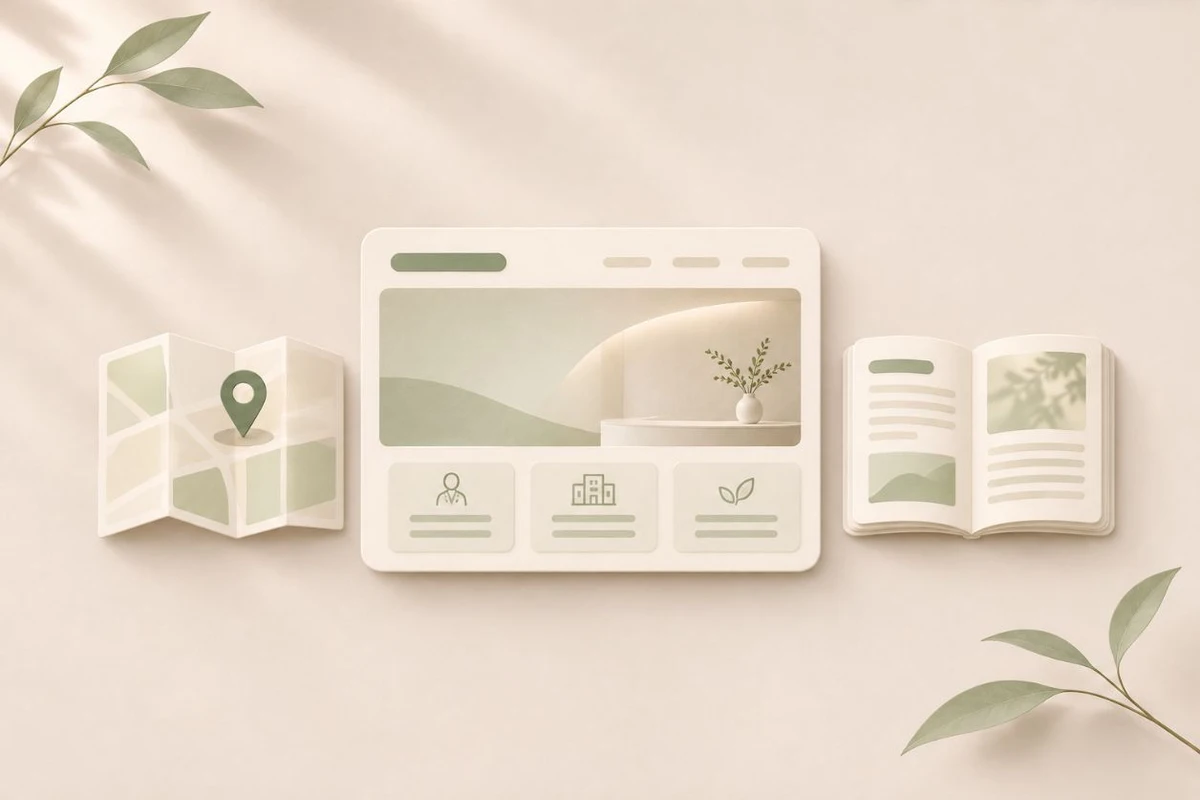
Patients use each channel for different tasks
NAVER SmartPlace lets businesses register for map search and maintain basic details and closure dates. A blog works well for explaining a specific question or posting a timely update. A website lets you give information patients return to its own page and URL, including services, clinicians, first visits, hours, and parking.
For example, someone visiting for the first time on a Saturday can find the location on a map and use your website’s first-visit guide to check the registration cutoff and how to book. If a blog post lists what to bring, link to the official page where you maintain updates. That way, readers of older posts can reach the current instructions.
Are your current channels enough?
If patients primarily need the location, hours, and booking instructions and those are easy to find in Place and on the blog, start by keeping those channels current.
If you already have a site, open it on a phone and try to find hours, the booking button, clinician information, and first-visit instructions. If commonly used information is simply out of date or hard to find, fix those pages first. Consider a new site if you lack space for clinician profiles, the care process, or recurring questions.
Decide how you will keep official information current
Agree on where you verify the final hours and who edits the website and Place when they change. Clarify whether ‘until 2 p.m. on Saturday’ means the clinic closes at 2 or check-in ends at 2. Wording can vary across channels, but conflicting instructions make it hard for patients to know which to trust.
- Keep the registered name, address and floor, main number, hours and check-in cutoff, and closure dates consistent.
- On mobile, test that phone, directions, and booking links open the intended destinations.
- Organize the site navigation so direct visitors and people arriving through a shared link can find the same information.
Which pages should you build first?
Write down common questions from recent calls and publish the answers patients need before deciding to visit. Start with service information and a first-visit guide. You can add photos or longer introductions once verified materials are ready. Decide who will own the domain and hold editing rights before production so the site is easier to manage.
TRY THIS TODAY
Try this today
- Compare the clinic hours and main phone number across your website, Place listing, and blog.
- Give your most frequently shared instructions a permanent URL and link to it in messages you send patients.
Sources and verification date
Verified. This guide is for practical preparation and does not guarantee visibility.